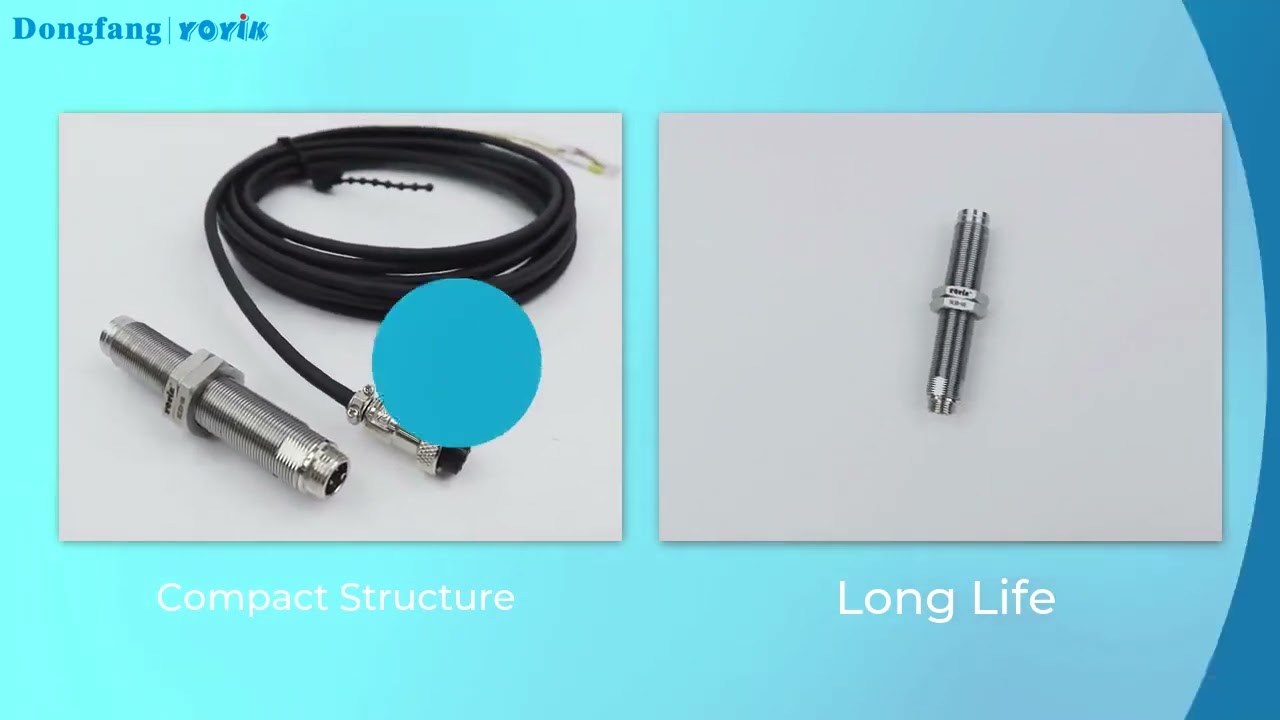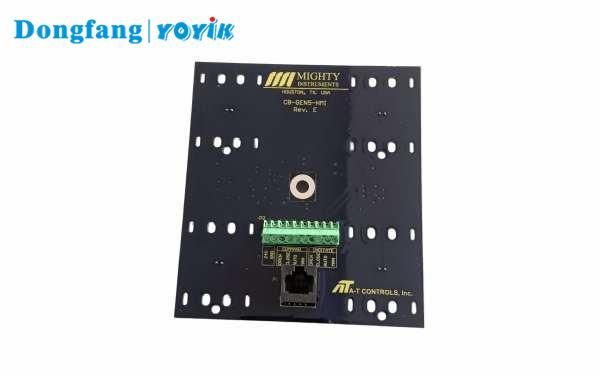
The 8300-A08-B90 system is a standard tool for monitoring shaft vibration in large machinery like steam turbines and pumps. It relies on a non-contact method to measure distance. The system includes an Eddy Current Probe, an extension cable, and the signal conditioner itself. This signal conditioner is known as the Proximitor. It turns the change in magnetic field into a voltage signal that a monitoring system can read.
Most problems with these sensors do not come from the factory. They come from how they are put onto the machine. If a probe is not tight or a cable is loose, the data is wrong. Engineers often spend days chasing a vibration “ghost” that is actually just a loose screw. Understanding these installation faults saves a lot of time during a plant outage.
Faults Caused by Loose Mounting and Poor Connections
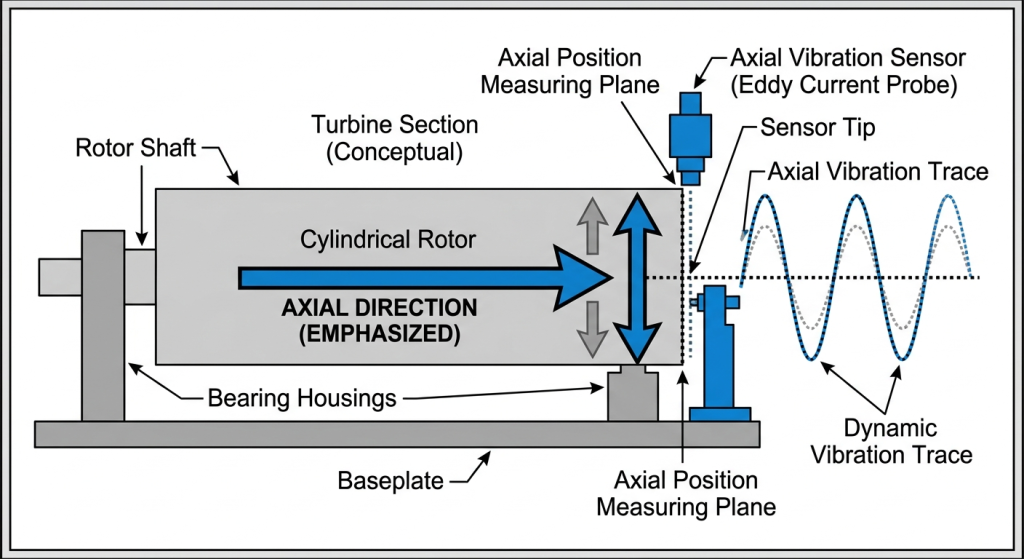
Mechanical looseness is the biggest enemy of a Vibration Probe. If the probe holder or the bracket is not completely rigid, it will move. This movement is added to the actual shaft vibration. The result is a signal that shows much higher vibration than what is really happening. In some cases, the probe might even hit the spinning shaft, which destroys the tip instantly.
Loose mounts often show up as noise in the frequency spectrum. You might see peaks at frequencies that do not match the machine speed. If the probe is vibrating in its own bracket, the Proximitor sees this as shaft movement. This can lead to false alarms and even machine trips. It is frustrating for operators because the machine sounds fine, but the computer says it is shaking apart.
Cables are another weak point. The connection between the Eddy Current Probe and the extension cable uses a tiny coaxial connector. If this is not tight or if it gets oily, the signal will skip. This looks like sudden glitches or spikes in the vibration trend. Sometimes a bad contact creates a DC offset, making the monitoring system think the probe has moved away from the shaft.
How to Identify Installation Issues During a Fault
When a vibration alarm goes off, the first thing to check is the Gap Voltage. This is the DC voltage output from the Proximitor. For an 8300-A08-B90 system, this voltage tells you how far the probe is from the shaft. If the voltage is jumping around while the machine is at a steady speed, you likely have a loose mount. A steady voltage that is outside the normal range (usually -2 to -18V DC) means the probe was set at the wrong distance.
You can also perform a Wiggle Test. While the machine is stopped or in a safe state, gently move the cable near the connectors. Watch the signal in the control room. If the vibration reading spikes when you touch the cable, the connection is bad. This is a very common fault where the connector is not properly insulated or has been pulled too tight during installation.
Check the bracket for resonance. If you tap the probe bracket with a small tool and the vibration reading goes sky-high, the bracket is too flimsy. A Vibration Probe bracket needs to be much stiffer than the machine it is measuring. If the bracket is thin, it will shake at its own natural frequency, and the Proximitor will report that as machine vibration.
Prevention Strategies During Installation
A good installation starts with a rigid bracket. Avoid using long, thin arms to hold the probe. The mount should be as close to the bearing housing as possible. Use locking nuts or thread-locking fluid to make sure the probe does not back out over time. Even a tiny bit of loosening will change the gap, which ruins the calibration of the Proximitor signal.
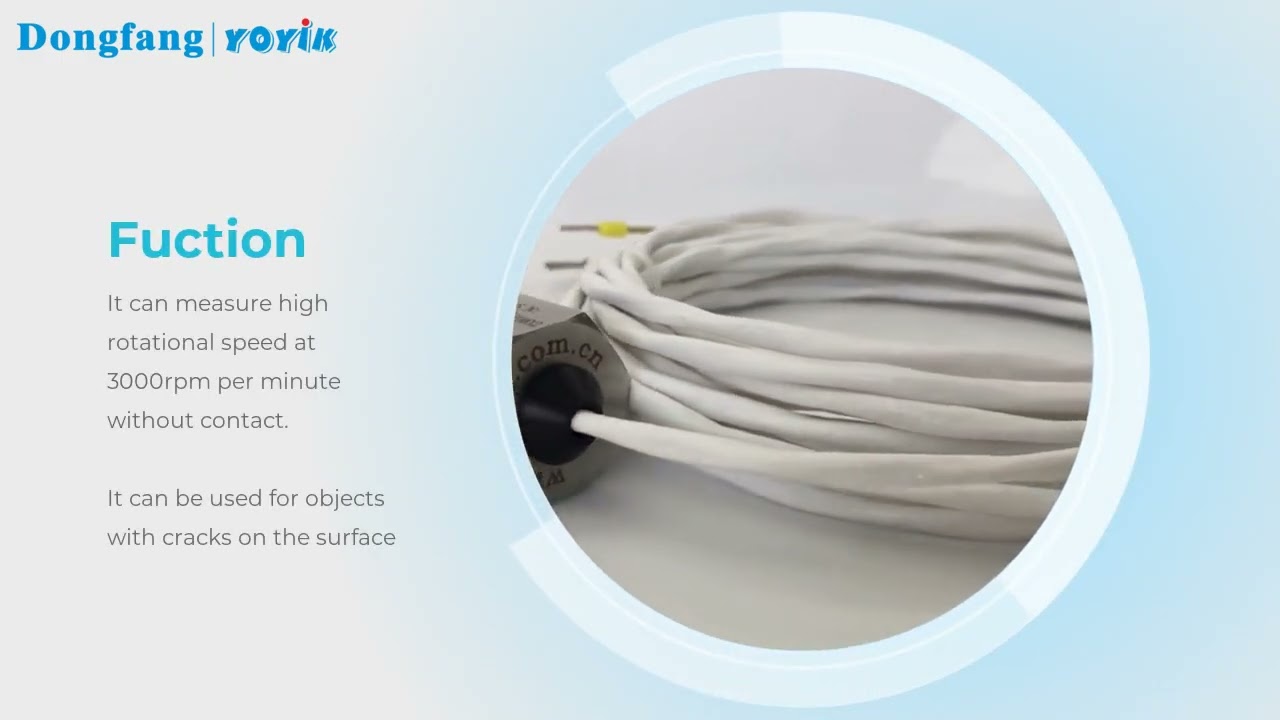
Protecting the cables is the next step. These cables are thin and can be damaged easily by heat or sharp metal edges. Always use flexible conduit or armor to protect the extension cable. When you connect the Eddy Current Probe to the extension cable, use a torque wrench if you have one. If not, make sure it is finger tight plus a quarter turn. Many people use pliers and over-tighten them, which breaks the center pin.
Cleanliness is vital for electrical contacts. Before you plug in the connectors, wipe them with a clean, dry cloth. Do not use standard grease on the connectors. If the environment is very wet or oily, use special silicone connector sleeves or heat-shrink tubing to seal the joint. This keeps moisture out, which is a major cause of signal drift in a Proximitor system.
Troubleshooting Summary Table
The following table lists the most common symptoms and their likely installation causes. This can help procurement managers and engineers decide if they need to buy new parts or just fix the current setup.
| Signal Symptom | Likely Installation Fault | Recommended Action |
|---|---|---|
| Sudden high-voltage spikes | Loose cable connector | Clean and tighten BNC/coax joints |
| Constant high vibration noise | Loose probe bracket | Tighten nuts and check bracket rigidity |
| Signal clipping (flat tops) | Incorrect gap setting | Readjust probe to center of linear range |
| Erratic DC Gap Voltage | Moisture in cable jacket | Replace cable and use protective conduit |
Setting the correct gap is the final piece of the puzzle. Most 8300-A08-B90 systems are designed to have a center voltage of about -10V DC. If you set it too close or too far, the Proximitor will eventually go out of its linear range. When this happens, the vibration readings will be lower than they should be, or they will disappear entirely. Always use a multimeter to check the voltage while you are tightening the probe in its holder.
Proper Cable Routing and Grounding
Cables should never be run next to high-voltage power lines. The electromagnetic interference from big motors can bleed into the Eddy Current Probe signal. This creates a hum at 50Hz or 60Hz that looks like machine vibration. Use separate trays for instrument cables and make sure the shields are grounded at only one end. Usually, the ground should be at the monitor side, not the machine side.
Avoid sharp bends in the cable. The coaxial cable has a specific internal structure that can be crushed if you bend it too tightly. If the internal insulation is damaged, the capacitance of the cable changes. This will make the Proximitor output incorrect values because it was calibrated for a specific cable length and type. If you have excess cable, do not coil it in a tight circle; loop it loosely and secure it with zip ties.
If you are struggling with intermittent signals, checking the grounding is a good step. A ground loop happens when the probe body touches a different ground than the Proximitor. Most modern probes have insulated tips to prevent this, but it can still happen if the cable armor touches the machine frame. Keeping the signal ground isolated from the machine frame is a key rule for these systems.
Are you seeing inconsistent vibration data? Our engineers can review your 8300-A08-B90 installation via photos or data logs. We also supply the full range of Proximitor units and sensor cables to keep your plant running smoothly.
Long-Term Maintenance of Installation Integrity
Even a perfect installation can degrade. During every machine outage, you should inspect the probe tips for carbon buildup or oil. Wipe the tip of the Vibration Probe with a soft cloth. If the tip is coated in metal dust, it will affect the magnetic field and the Proximitor will give a false reading. It is a small task that prevents big problems later on.
Check the conduit for water. In some plants, steam leaks or rain can fill the conduit with water. If the cable sits in water for years, the signal will eventually fail. Drill small weep holes in the lowest points of the conduit to let water drain out. This simple trick extends the life of your Eddy Current Probe cables by a huge margin.
Finally, verify the calibration every year. Use a spindle micrometer to move the shaft (or a target) toward and away from the probe in known increments. Check if the voltage from the Proximitor matches the factory chart. If it doesn’t, the problem is usually a damaged cable or a sensor tip that has been weakened by heat. Replacing the faulty part early is much better than waiting for a machine failure.
Conclusion
The 8300-A08-B90 is a reliable system, but it is only as good as its installation. By focusing on rigid brackets, clean connectors, and protected cables, you can eliminate most common faults. Most sensor failures are actually just loose parts or bad connections. Taking the time to do it right the first time will prevent false trips and give you the data you need to keep your turbine safe.
If you have any questions about the 8300-A08-B90 series or need replacement parts, we are ready to help you find the right solution for your specific machine.